
To set your reminder preferences, go to Profile>Settings>Notifications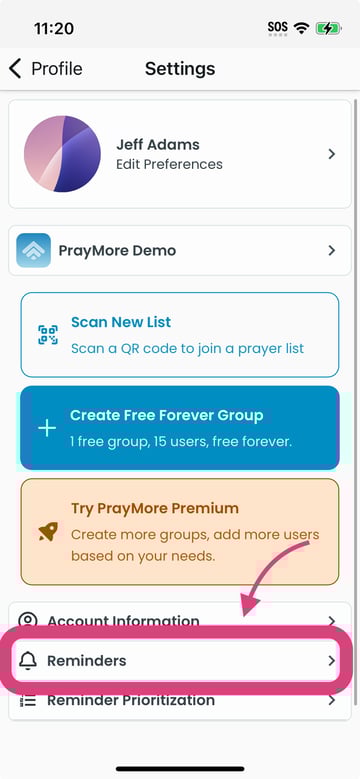
Activate Interrupt my day to pray at the top of the screen. You may be prompted to grant PrayMore permission to give you reminders -be sure to allow it.
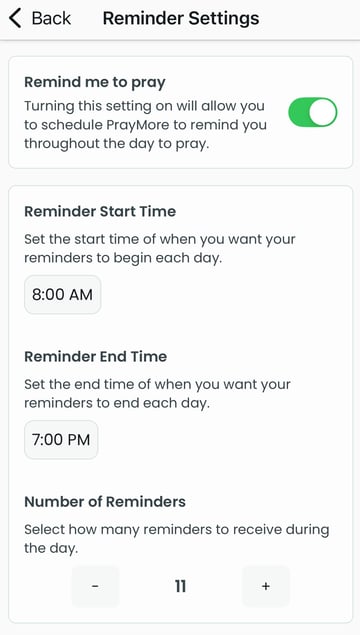
You can then set a start and end time that you would like to get reminders on a daily basis. Any reminders that you get will be between those times.
Number of Reminders
You can choose many times you would like to be reminded during the day.
Once you are done, close the settings pages and you are all set! PrayMore will remind you to pray!