
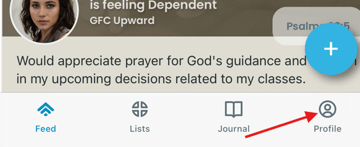
Go to your profile page
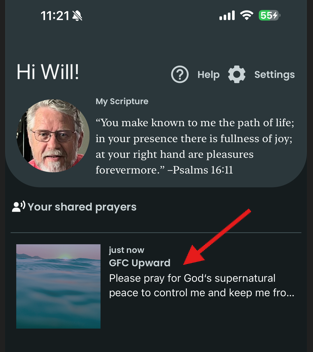
Tap on a request that you have shared in the list
Delete the prayer request
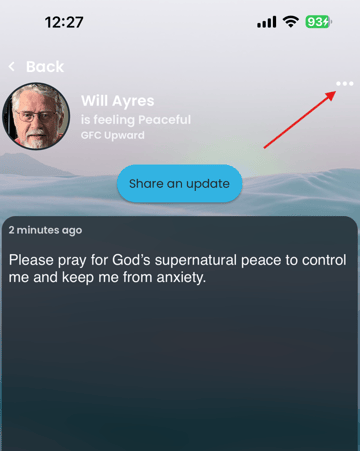
Tap on the three-dot menu at the upper right.
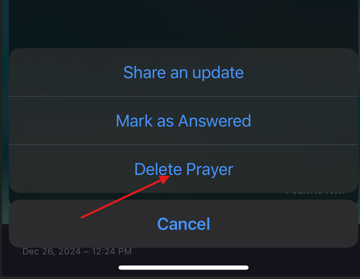
Next, tap on Delete Prayer from the list of options at the bottom of the screen.
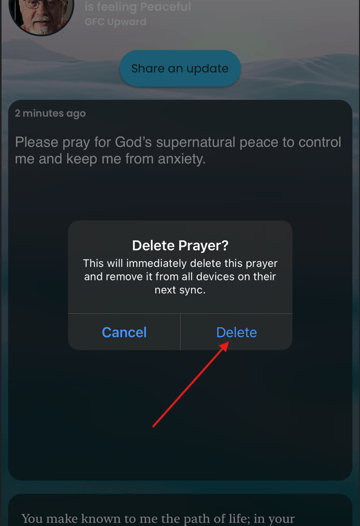
Your selection will prompt a pop-up to give you the opportunity to change your mind. To confirm your decision to remove your request, tap Delete.
You have successfully removed your prayer request! The app will take you back to the Profile screen. Accessing the list again will confirm for you that the request has been removed.