To join a group, you will need to get a QR code from your organization or from a group leader at your organization. Once you have that, you can scan it in PrayMore.
If you have never joined a group, you can access to scan the QR code from the Feed tab in the lower right of any screen in PrayMore.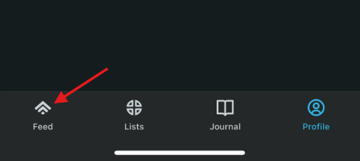
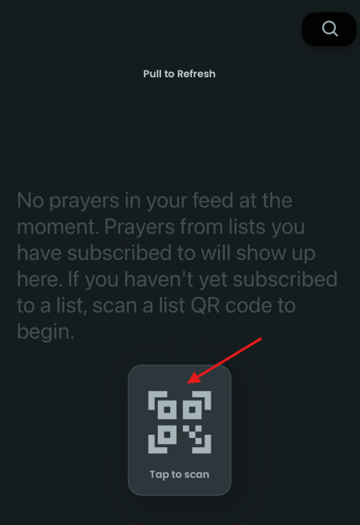
Now simply click on Tap to scan to scan the QR code.
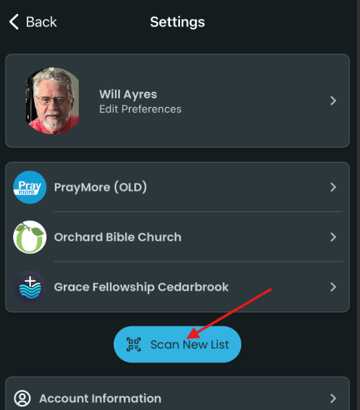
Otherwise, go to Profile>Settings and tap Scan New List.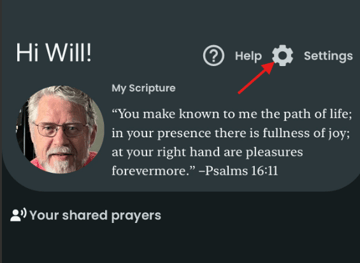
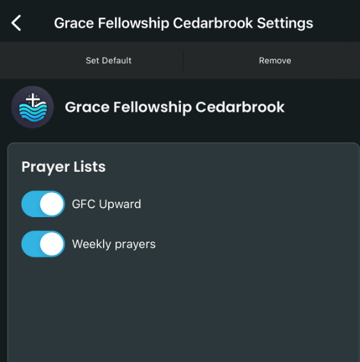
After you scan the code, you will see all of the lists that you are subscribed to for your church/organization. On this screen you can choose the individual lists to which you would like to subscribe.