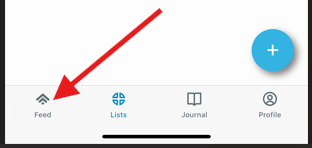
Access the Feed screen
Begin by going to the Feed screen. To access the Feed screen, tap on the icon in the bottom left corner of your screen. If the icon does not appear in the screen you are now in, tap on the Back arrow in the top left of whatever screen you are in and it should take you to a screen with access to the icon.
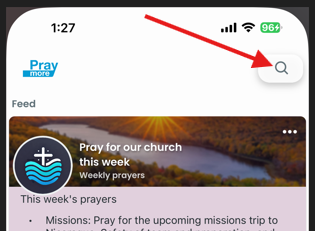
Tap on the magnifying glass in the top right corner.
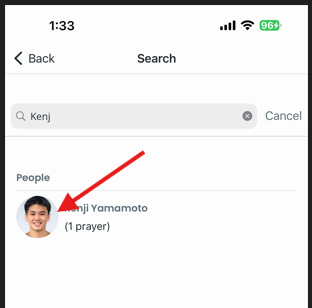
In the Search bar of the next screen, type the name of a person you know who has a request, the name of a list, or the name of a person for whom the request has been made.
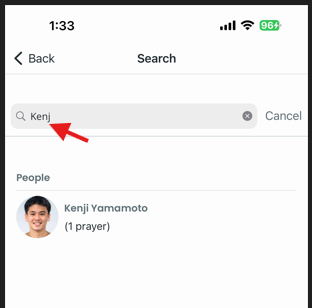
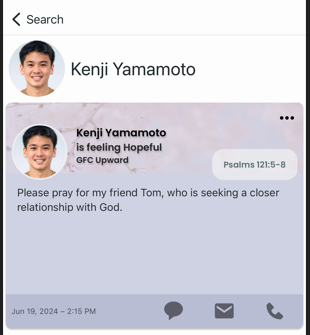
After typing a few letters, the request for which you are searching should appear. Tap on the person, list or prayer that you would like to view.
You will then have access to the prayer to review and respond as you choose.