
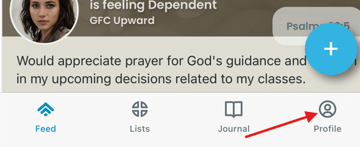
Go to your profile page
Tap on a request that you have shared in the list
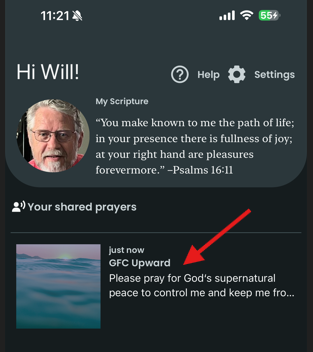
Update Prayer Request
Tap on Share an update.
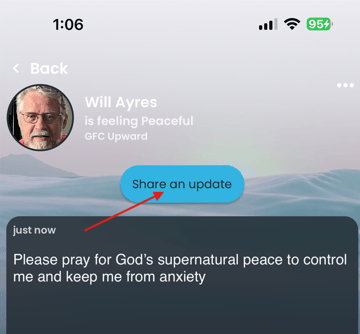
You will then be able to follow the prompts and enter whatever text you would like to inform your prayer team of recent developments. You can mark your prayer as answered if you believe that you have received a response from the Lord. After finishing with your update, tap on the Share button.
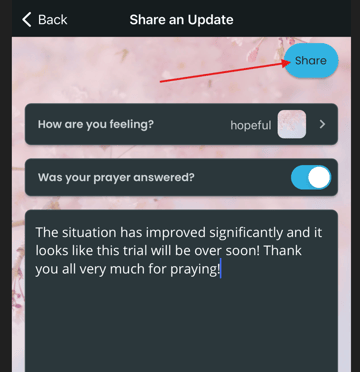
You will immediately be taken to a screen that will show your updated text as well as any change in emotion.
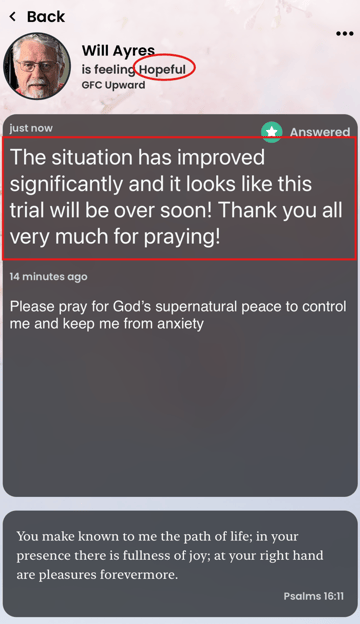
Tap Back in upper left or swipe to the right to exit (see screenshot above).