
For Android:
On your Android mobile device, follow this link: Get PrayMore for Android
-OR-
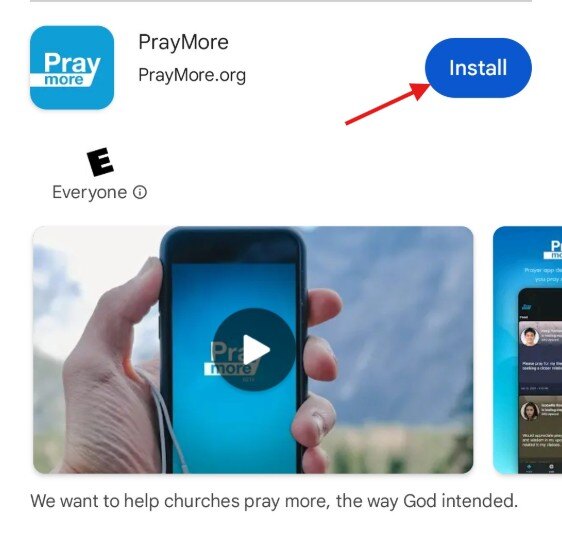
- Go to the Google Play store on your device
- Search for PrayMore
- Tap the button to install on your device
For IOS:
On your IOS device, follow this link: Get PrayMore for IOS
-OR-
- Go to the Apple App Store on your device
- Search for PrayMore
- Tap Get or the download cloud
 to install on your device.

PrayMore is now installed! The next step is to set-up PrayMore