
To edit or move a prayer:
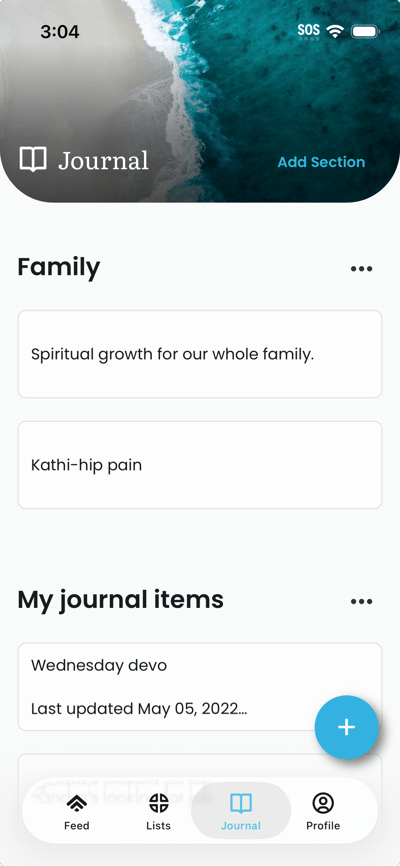
- On the Journal tab.
- To move a prayer, you can simply drag and drop the prayer within a section, or into a new section.
- To edit a prayer, tap the prayer you want to edit. The edit page opens with the current text and section.
- Change the prayer text in the details field if needed. To move it to another section, use the section picker (or drag the prayer under a different section if the app supports it). The section list or dropdown appears at the top of the page.
- Tap Save or Done. The prayer updates and, if you changed the section, it appears under the new section on the Journal page.
'