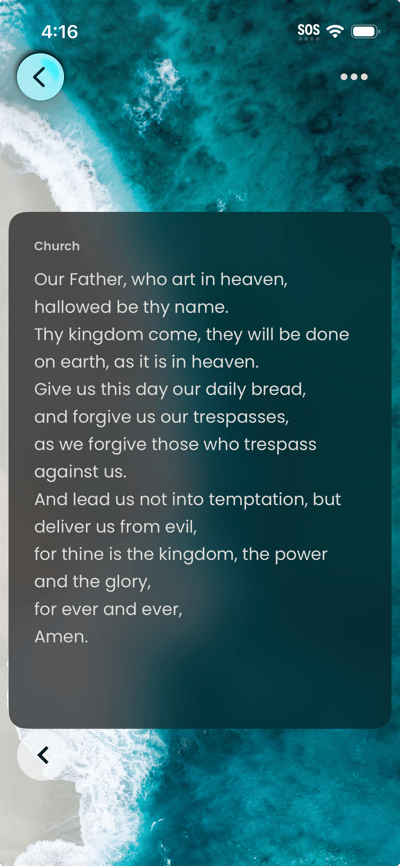
You can move to the previous or next prayer without leaving the view. To use immersive view:
- On the Journal tab, tap a prayer. You will see a detail screen first—tap the immersive button
 ; the prayer appears in a full-screen layout with minimal UI.
 - Use the previous/next arrows or swipe to move to the previous or next prayer in your Journal. Tap the back control to exit immersive view and return to the Journal list.