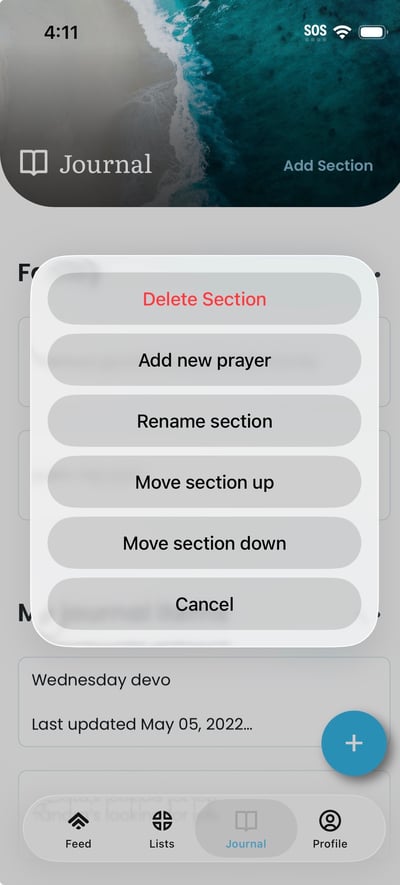
To reorder or rename sections:
- On the Journal tab, find the section you want to reorder or rename. Tap the menu or options icon (e.g. three dots) for that section; options such as Move up, Move down, and Rename section appear.
- To reorder: tap Move up or Move down. The section moves and the new order is saved immediately.
- To rename: tap Rename section. Enter the new name in the dialog and tap OK or Save; the section title updates on the Journal page.