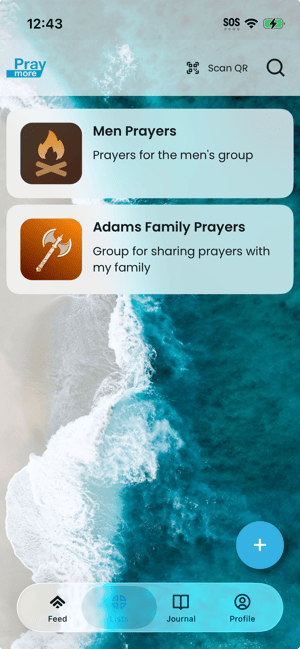
Each card represents a list you belong to. Tap a card to open that list and see its prayers, or to manage the group if you are an admin.
- Navigate to the Lists tab. The screen shows a set of cards—one per group or list. Each card shows the group/list name and may show an image or logo.
- Tap a card to open that list. The screen shows the prayers in that list (filtered view). From there you can read prayers, create a new prayer for that list, or open group settings if you have permission.
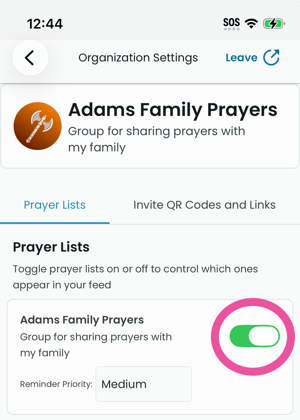
- If you don't see a list you've subscribed to, it's possible that it may be unchecked in the preferences. If this is the case, try to readd your list. Go to Profile → Settings → <The group you are a member of> → Make sure the list you belong to is switched on.