
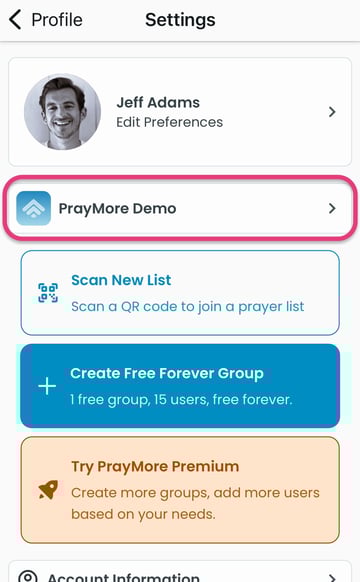
In order to see them, first tap on Profile>Settings to access your organization list.
Organization List
For additional information and options, tap on a church/organization. We'll choose Grace Fellowship Cedarbrook for this example.
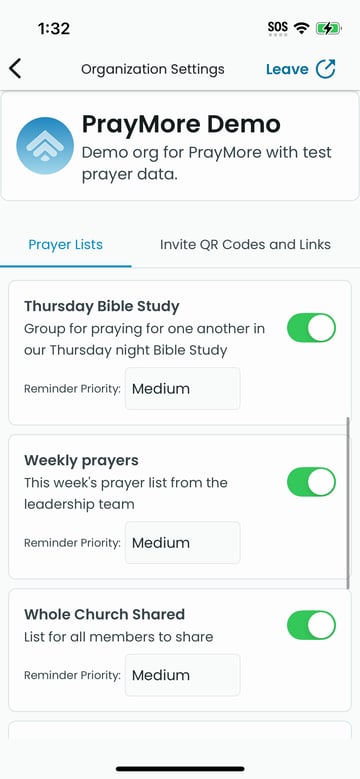
Activation Options
To activate a Prayer List, tap on it until the toggle moves to the right, showing green to its left (see below).
Leave
This will unsubscribe you from the selected organization. Only use this if you intend to no longer be a member of this organization in PrayMore.