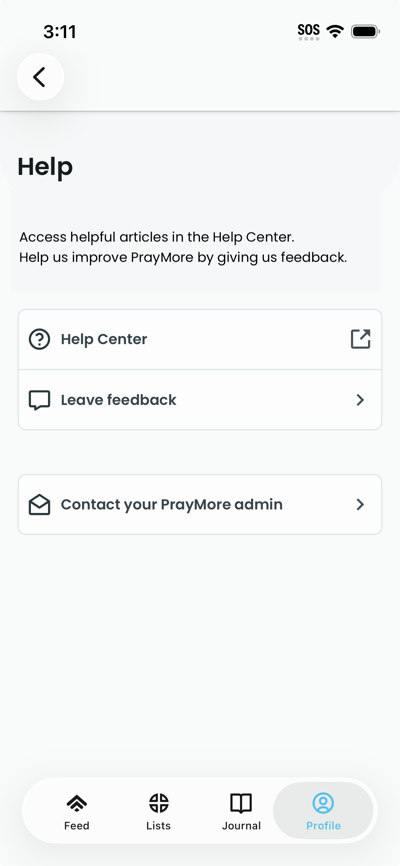
Use these options to get support or report issues. If your organization has set up contact admin, you will see that button. To get help:
- Navigate to the Profile tab and tap Help. The screen shows the Help page with a description and buttons.
- Tap Help Center to read helpful articles related to PrayMore, Leave feedback to send feedback (e.g. opens email or feedback form). If Contact admin is shown, tap it to contact your organization's admin. The screen shows your default email app or a contact form open.