We designed PrayMore to not only deepen your relationship with the Lord through prayer, but also to encourage connections within the body of Christ. To join a prayer group, you will need an invite link or a QR from your group.
- If you have received a link, make sure PrayMore is installed on your phone, and simply open the link. The link should automatically open PrayMore and subscribe you to the group.
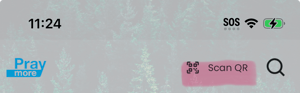
- If you have a QR code, you will need to scan this. On the Feed or Lists page, tap the Scan QR button in the header. Alternatively, go to Profile → Settings and tap Scan New List.
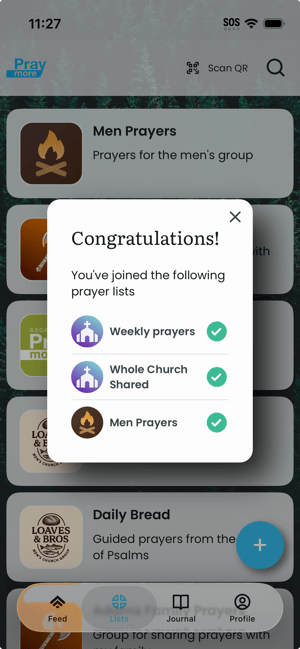
- Position the QR code fully within the frame. When the app recognizes the code, you are subscribed automatically and a success screen lists the list(s) you joined.
- Dismiss the screen; the new list(s) appear as cards on the Lists tab.